Pixel Pool
A downloadable game
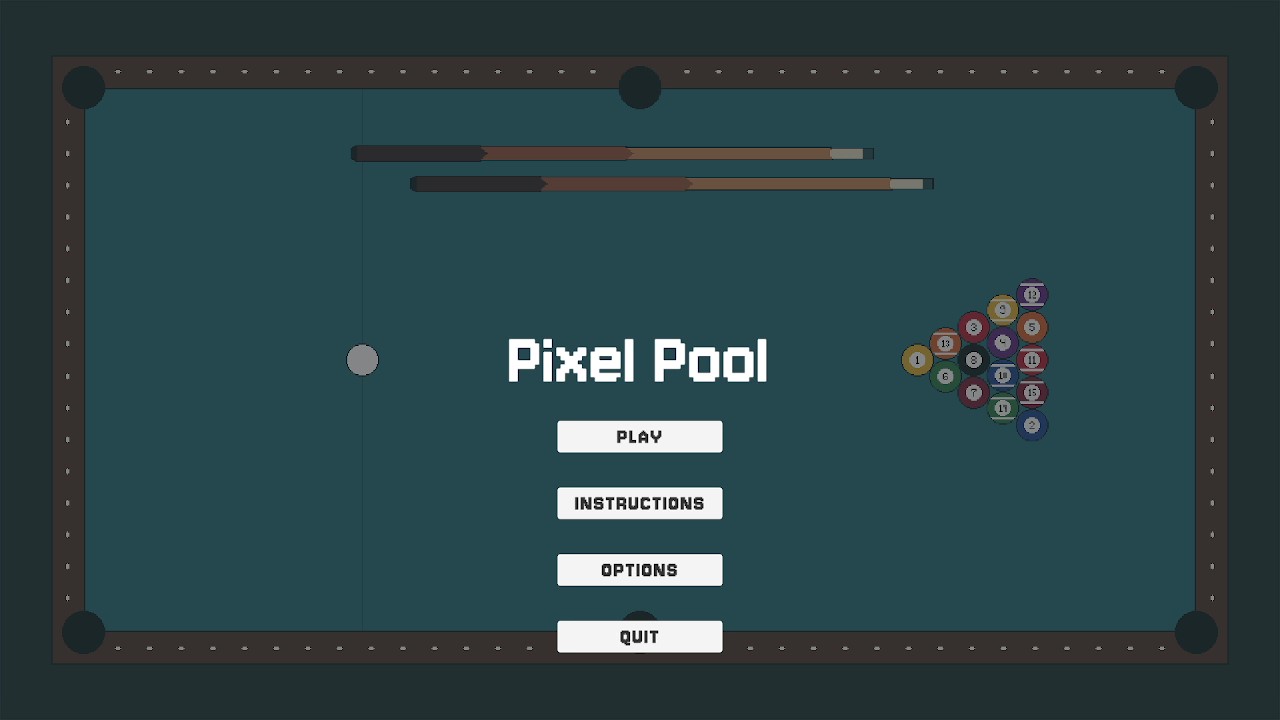
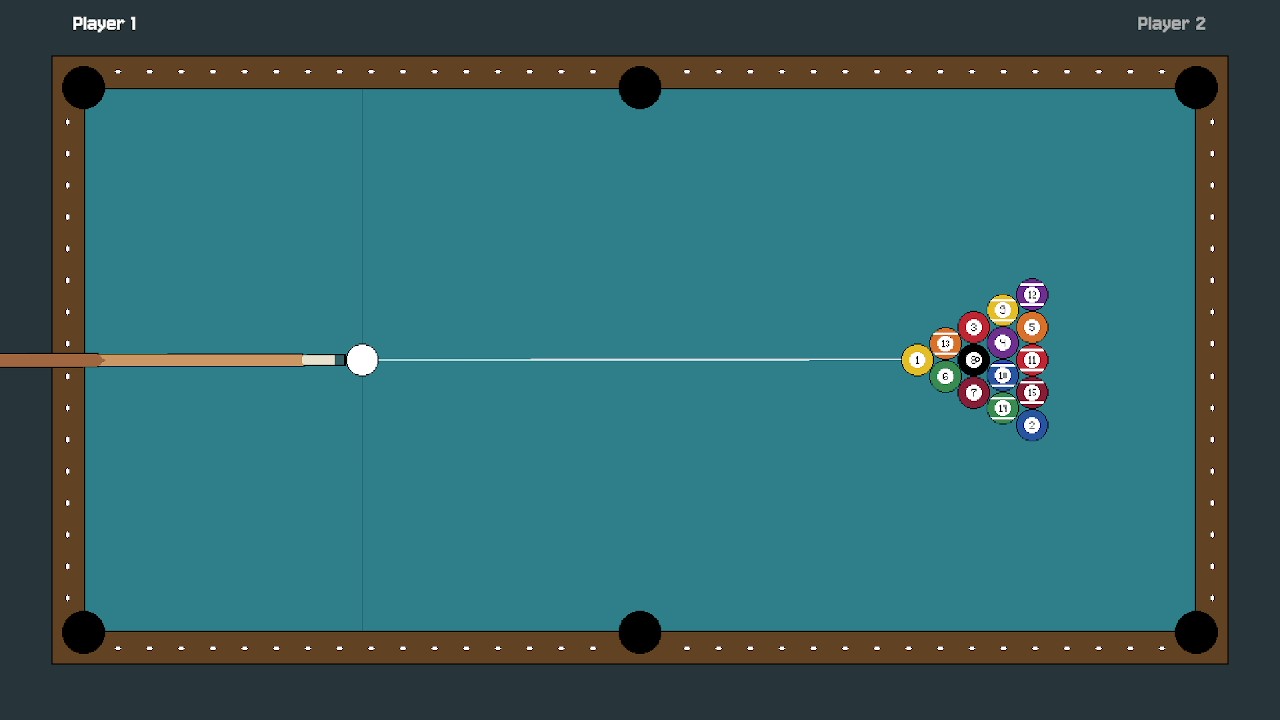
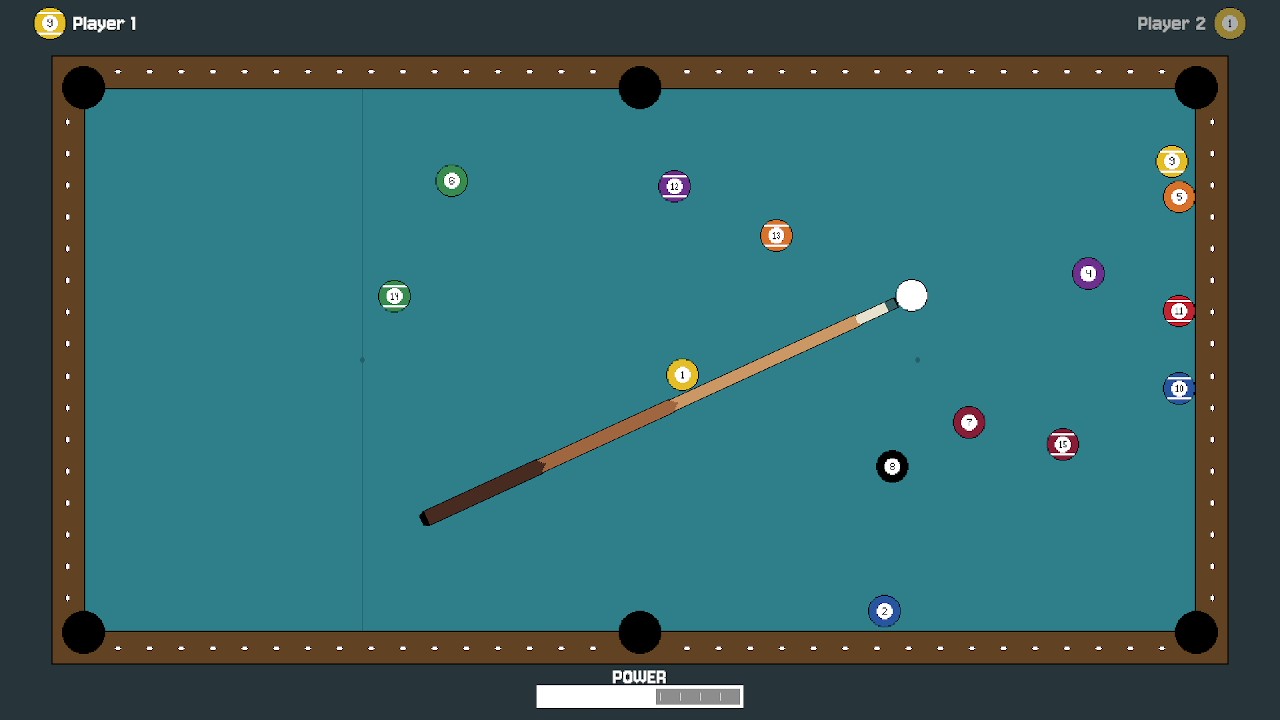
Pixel Pool is a retro-style local two-player 8-ball pool game built independently in Unity 6 and C#. Take turns lining up shots, adjusting power, and competing to clear your assigned balls before sinking the 8-ball.
Features:
- Local two-player turn-based gameplay
- Physics-based pool using Unity 2D Physics and Rigidbody2D
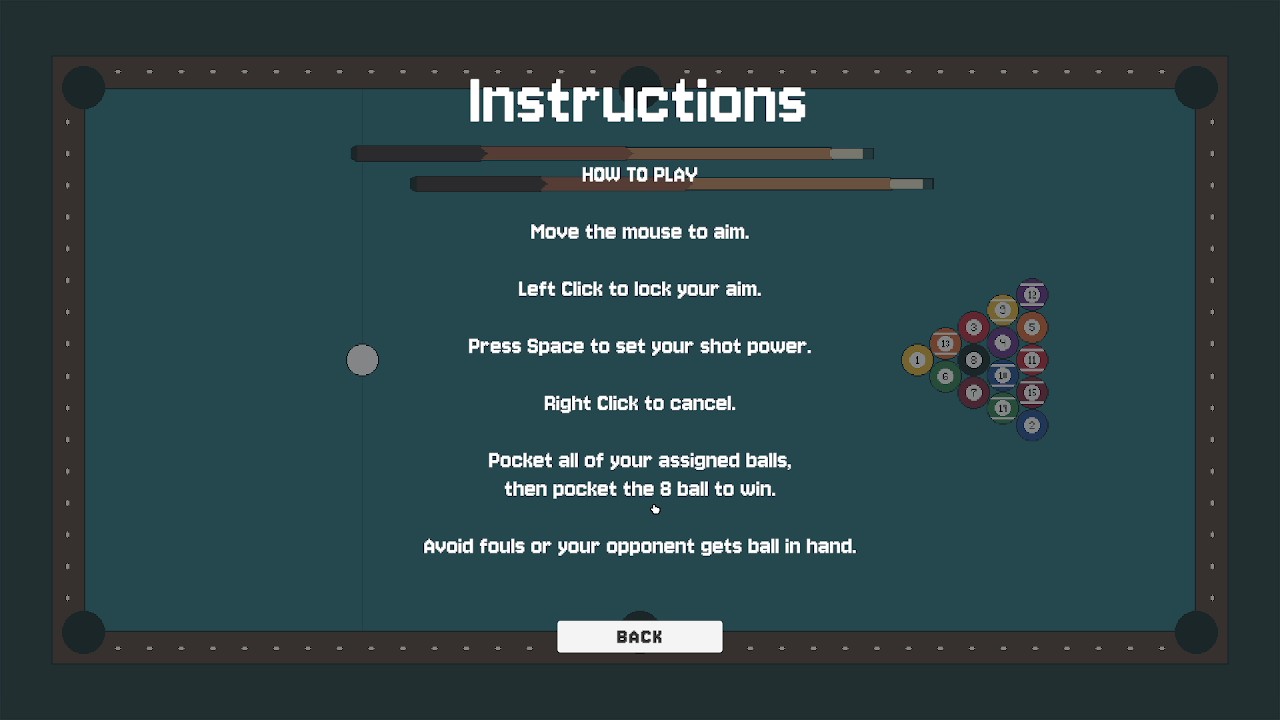
- Aiming and adjustable shot-power controls
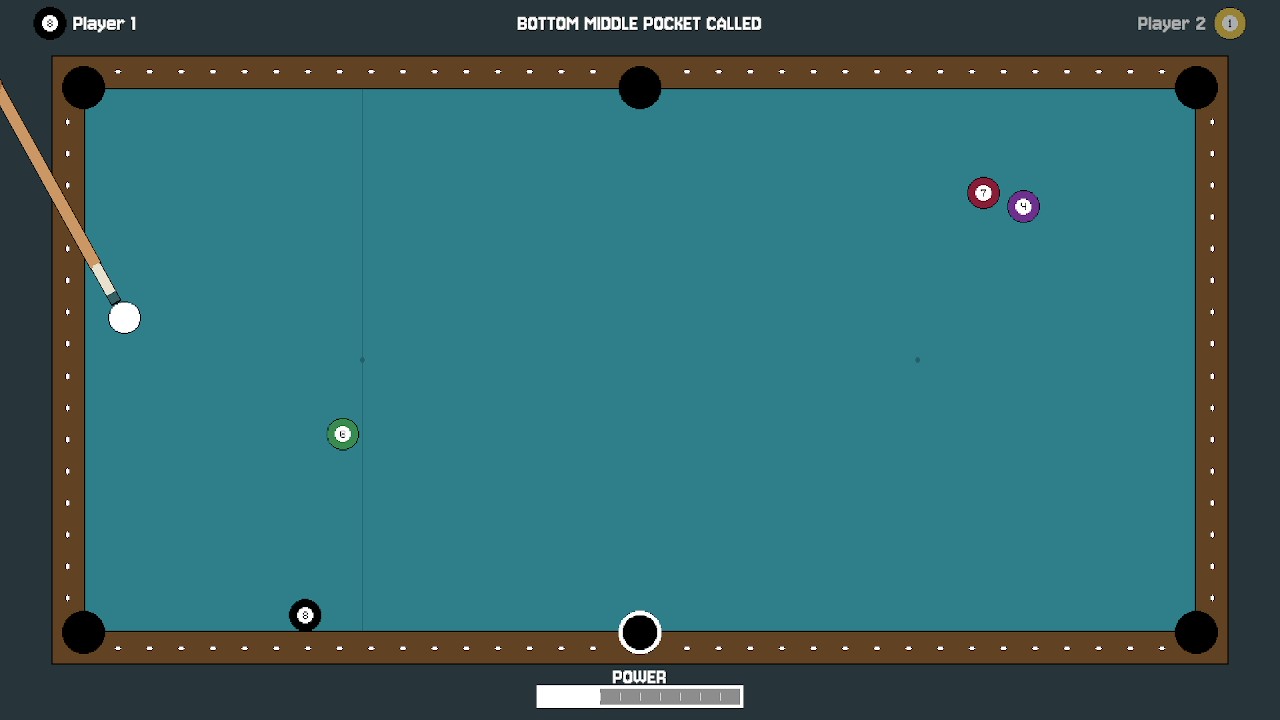
- 8-ball rule and turn-management systems
- Ball pocketing and assignment logic
- Custom pixel-art presentation
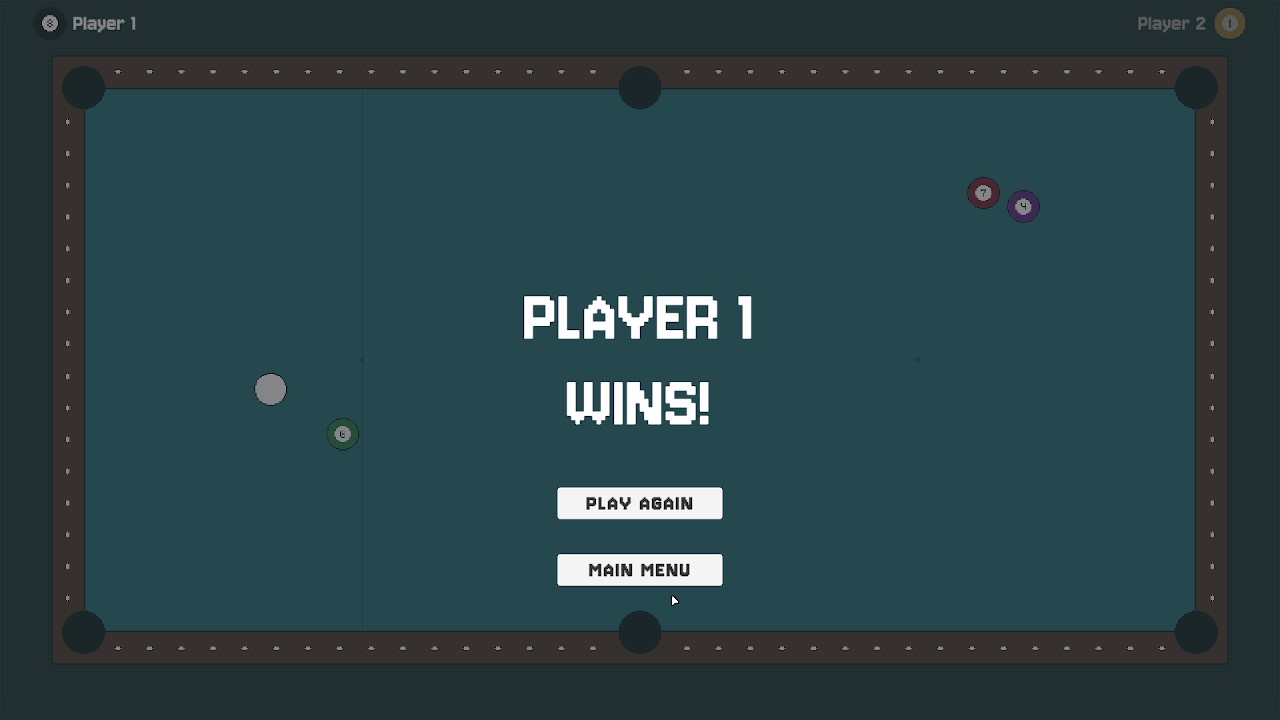
- Match reset and game-state handling
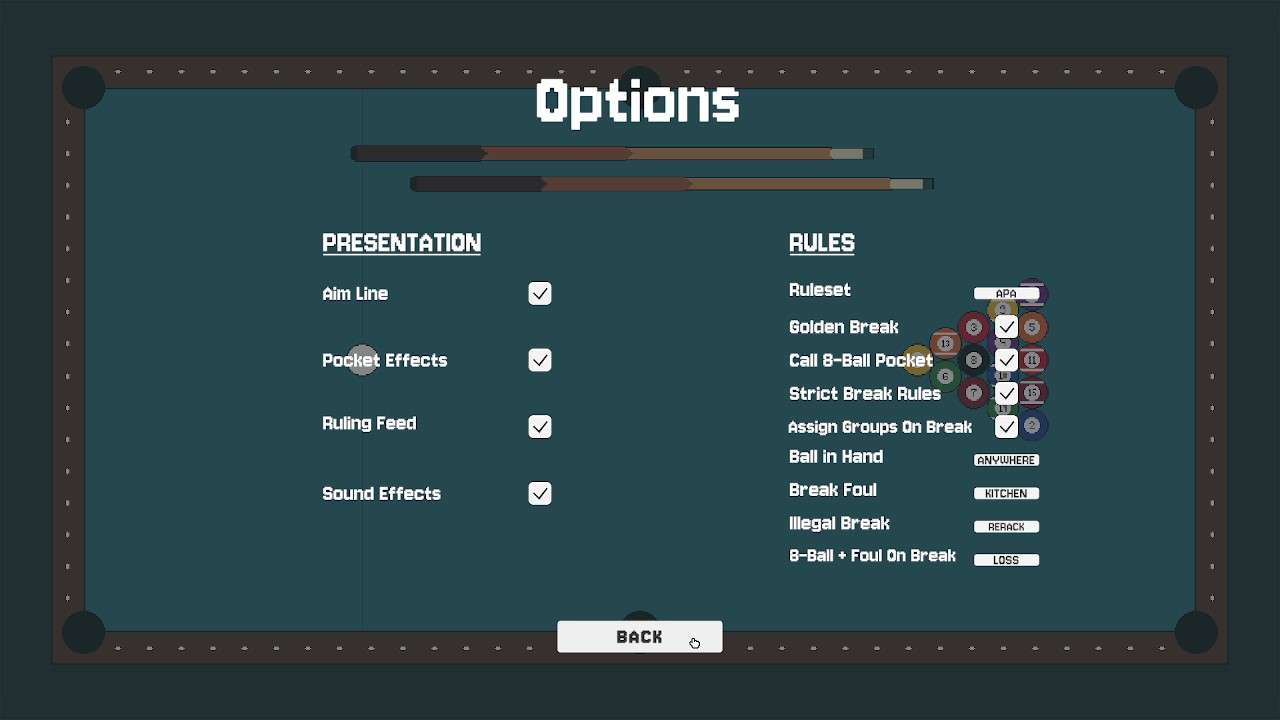
- Robust options menu with customizable gameplay and presentation settings
Development:
Pixel Pool is an independent project I developed outside of my course assignments. I built the game in Unity 6 using C#, creating the systems required for aiming, shot power, ball physics, turn management, ball-group assignment, pocket detection, fouls, and 8-ball rules inspired by the APA (American Poolplayers Association) ruleset.
A major focus of the project was managing the interaction between the physics simulation and the rules system so that each shot could be evaluated correctly before determining the next turn, player group, foul state, or match result. This required tracking multiple gameplay states and coordinating them with Rigidbody2D-based ball movement and collision behaviour.
I also developed a comprehensive options system that allows players to customize different gameplay and presentation settings, and created the game’s custom pixel-art presentation. Building Pixel Pool gave me additional experience designing gameplay systems from the ground up, organizing rule-based logic, debugging interactions between multiple systems, and independently carrying a project from concept to a nearly complete playable prototype.
Current State:
Pixel Pool is a nearly complete playable prototype featuring a full local two-player match from start to finish. Audio is the final planned feature before I consider the prototype complete.
Download
Install instructions
Download and extract the ZIP file, then run PixelPool.exe. Keep the executable and accompanying game files/folders together in the extracted folder.